Callout Blade 组件
简介
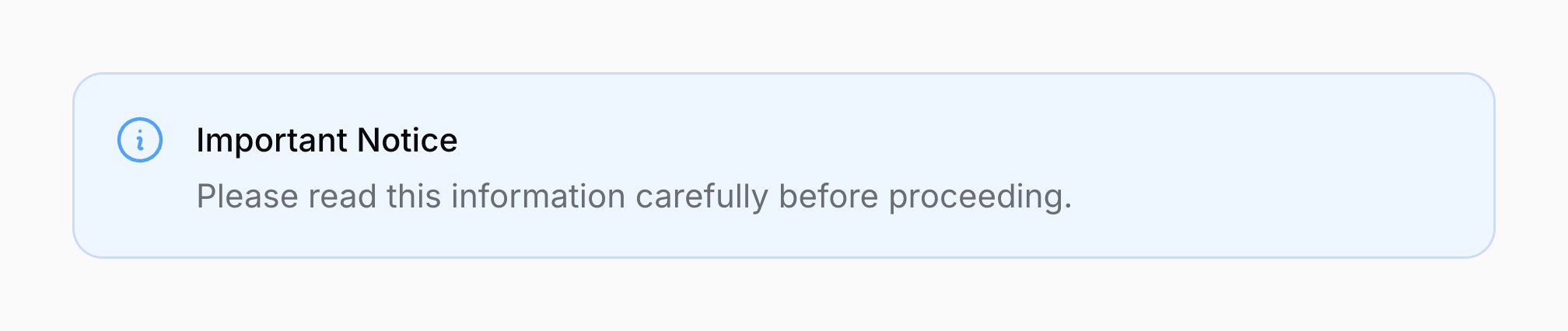
Callout 可用于引起对重要信息或消息的注意:
<x-filament::callout
    icon="heroicon-o-information-circle"
    color="info"
>
    <x-slot name="heading">
        Important Notice
    </x-slot>

    <x-slot name="description">
        Please read this information carefully before proceeding.
    </x-slot>
</x-filament::callout>
使用状态颜色
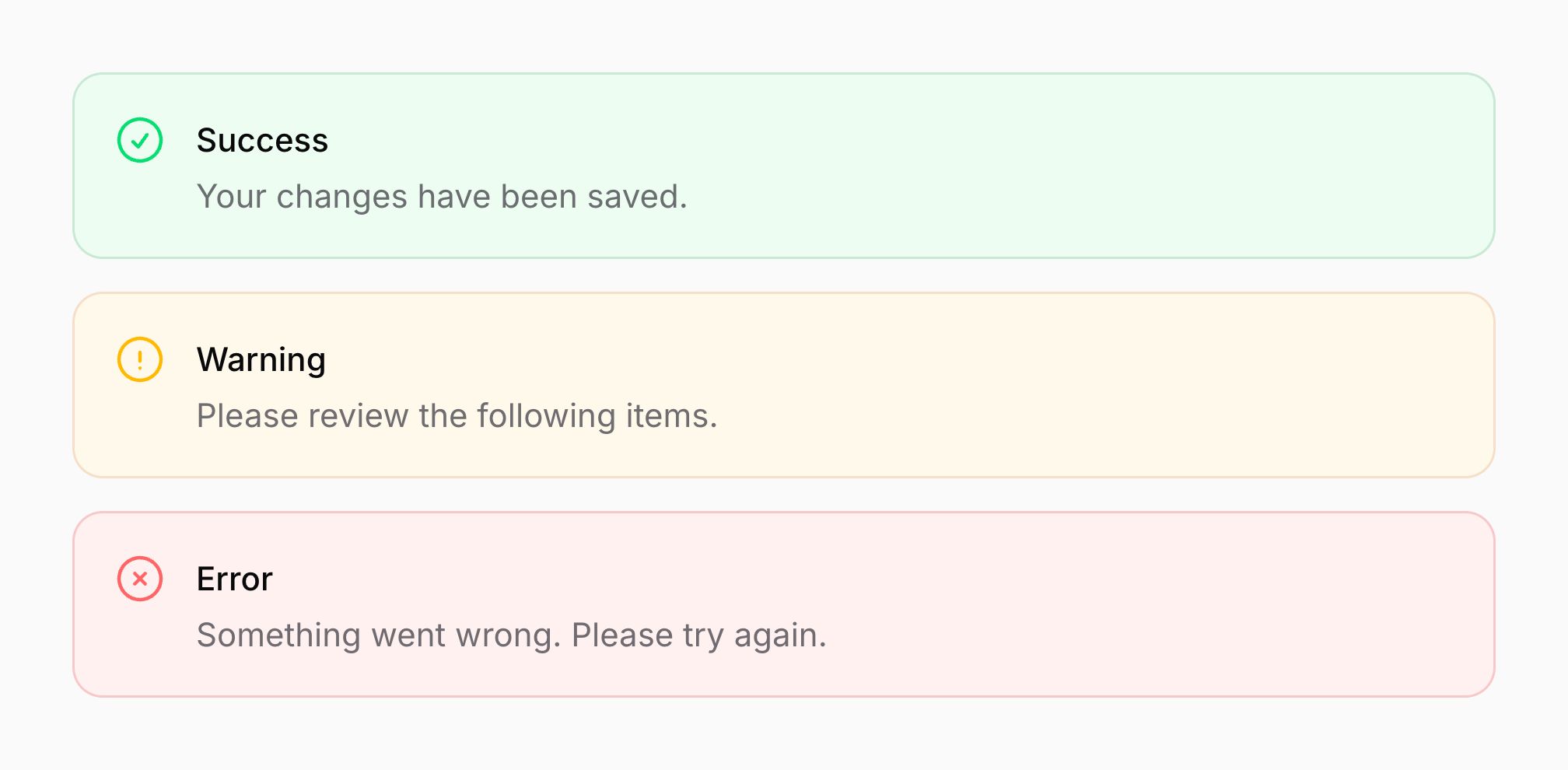
你可以将 color 属性设置为 danger、info、success 或 warning 来创建状态提示框:
<x-filament::callout
    icon="heroicon-o-x-circle"
    color="danger"
>
    <x-slot name="heading">
        Error
    </x-slot>

    <x-slot name="description">
        Something went wrong. Please try again.
    </x-slot>
</x-filament::callout>

<x-filament::callout
    icon="heroicon-o-information-circle"
    color="info"
>
    <x-slot name="heading">
        Information
    </x-slot>

    <x-slot name="description">
        Here is some helpful information.
    </x-slot>
</x-filament::callout>

<x-filament::callout
    icon="heroicon-o-check-circle"
    color="success"
>
    <x-slot name="heading">
        Success
    </x-slot>

    <x-slot name="description">
        Your changes have been saved.
    </x-slot>
</x-filament::callout>

<x-filament::callout
    icon="heroicon-o-exclamation-circle"
    color="warning"
>
    <x-slot name="heading">
        Warning
    </x-slot>

    <x-slot name="description">
        Please review the following items.
    </x-slot>
</x-filament::callout>
为提示框添加图标
你可以使用 icon 属性为提示框添加图标:
<x-filament::callout icon="heroicon-o-sparkles">
    <x-slot name="heading">
        Tip
    </x-slot>

    <x-slot name="description">
        You can use custom icons for your callouts.
    </x-slot>
</x-filament::callout>

更改提示框图标的颜色
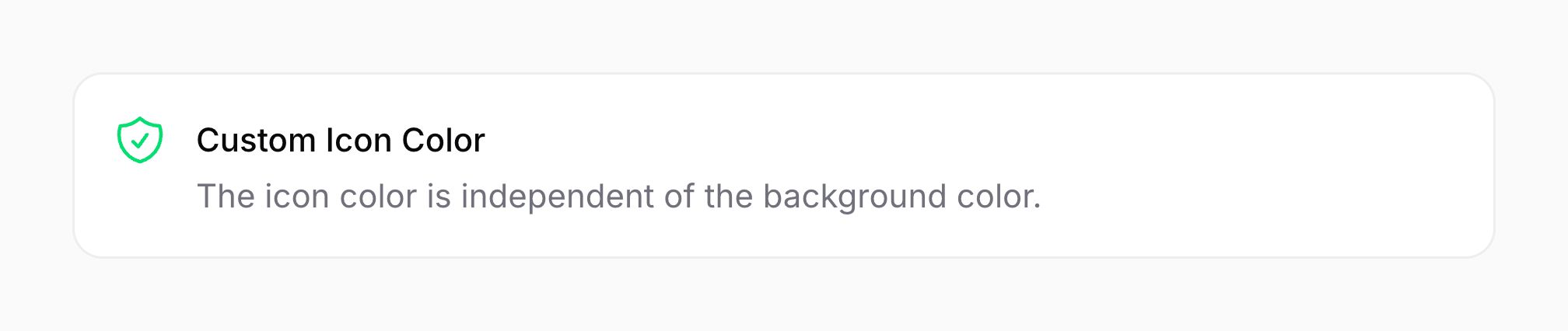
默认情况下,图标颜色继承自提示框的 color。你可以使用 icon-color 属性覆盖它:
<x-filament::callout
    icon="heroicon-o-shield-check"
    icon-color="success"
>
    <x-slot name="heading">
        Custom Icon Color
    </x-slot>

    <x-slot name="description">
        The icon color is independent of the background color.
    </x-slot>
</x-filament::callout>
更改提示框图标的大小
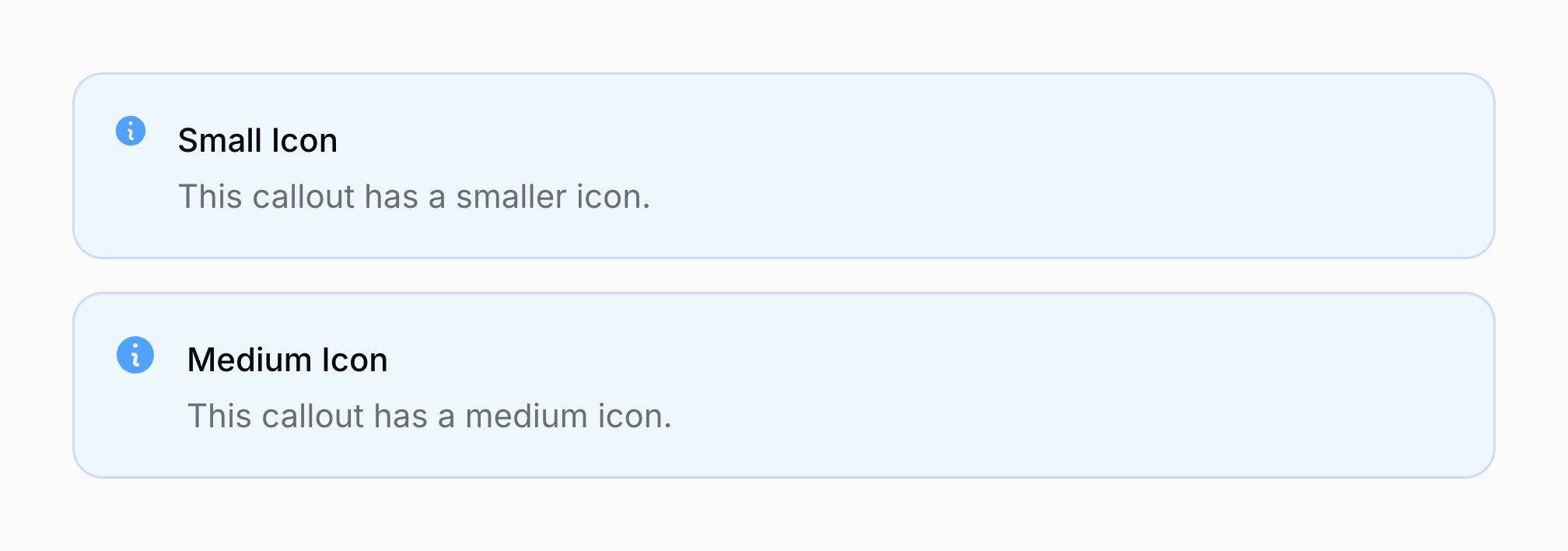
默认情况下,提示框图标的大小为"大"。你可以使用 icon-size 属性将其更改为"小"或"中":
<x-filament::callout
    icon="heroicon-m-information-circle"
    icon-size="sm"
    color="info"
>
    <x-slot name="heading">
        Small Icon
    </x-slot>

    <x-slot name="description">
        This callout has a smaller icon.
    </x-slot>
</x-filament::callout>

<x-filament::callout
    icon="heroicon-m-information-circle"
    icon-size="md"
    color="info"
>
    <x-slot name="heading">
        Medium Icon
    </x-slot>

    <x-slot name="description">
        This callout has a medium icon.
    </x-slot>
</x-filament::callout>
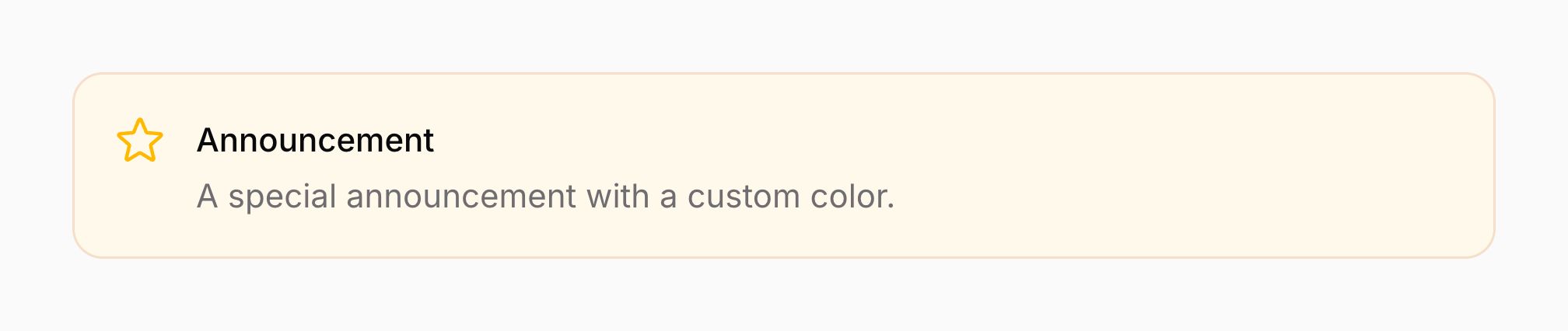
使用自定义背景颜色
你可以使用 color 属性设置任何支持的颜色作为自定义背景颜色:
<x-filament::callout
    icon="heroicon-o-star"
    color="primary"
>
    <x-slot name="heading">
        Announcement
    </x-slot>

    <x-slot name="description">
        A special announcement with a custom color.
    </x-slot>
</x-filament::callout>
在页脚添加内容
你可以使用 footer 插槽在提示框页脚添加自定义内容:
<x-filament::callout
    icon="heroicon-o-check-circle"
    color="success"
>
    <x-slot name="heading">
        System Status
    </x-slot>

    <x-slot name="description">
        All systems are operational.
    </x-slot>

    <x-slot name="footer">
        <span class="text-sm text-gray-500">Last updated: January 15, 2025</span>
    </x-slot>
</x-filament::callout>
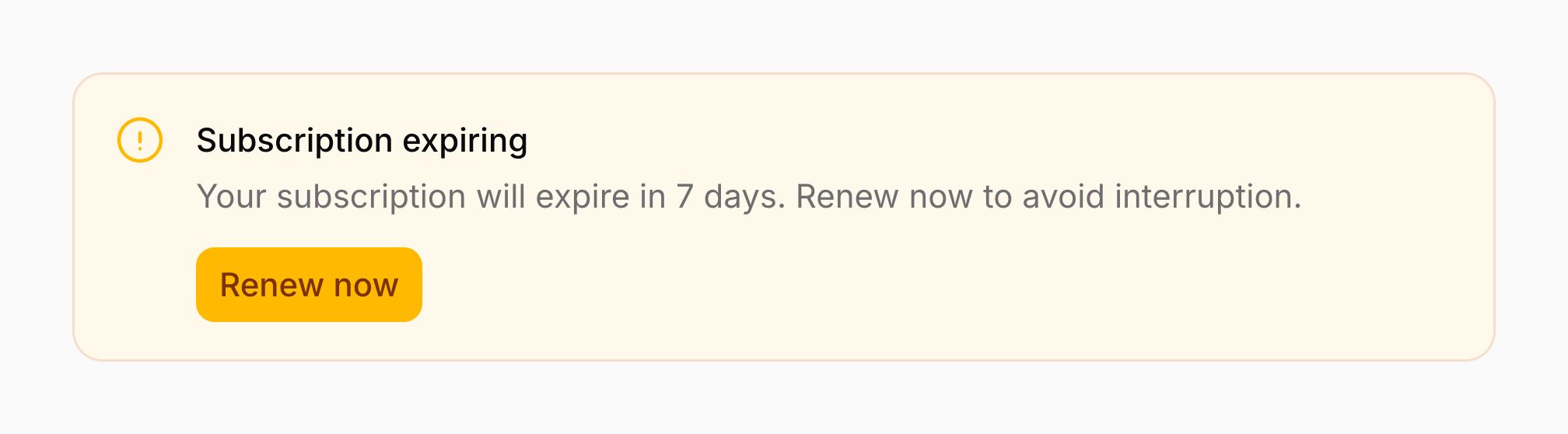
你还可以在页脚中包含按钮或其他交互元素:
<x-filament::callout
    icon="heroicon-o-exclamation-circle"
    color="warning"
>
    <x-slot name="heading">
        Subscription Expiring
    </x-slot>

    <x-slot name="description">
        Your subscription will expire in 7 days.
    </x-slot>

    <x-slot name="footer">
        <x-filament::button size="sm">
            Renew Now
        </x-filament::button>
    </x-slot>
</x-filament::callout>
在控件区域添加内容
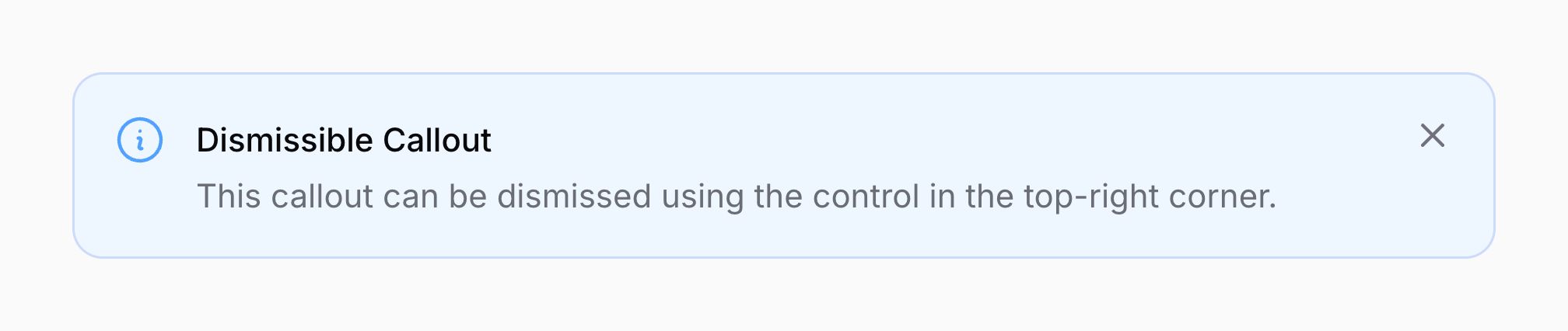
你可以使用 controls 插槽在提示框的控件区域(右上角)添加自定义内容:
<x-filament::callout
    icon="heroicon-o-information-circle"
    color="info"
>
    <x-slot name="heading">
        Dismissible Callout
    </x-slot>

    <x-slot name="description">
        This callout can be dismissed using the control in the top-right corner.
    </x-slot>

    <x-slot name="controls">
        <x-filament::icon-button
            icon="heroicon-m-x-mark"
            color="gray"
            label="Dismiss"
        />
    </x-slot>
</x-filament::callout>
不带图标的提示框
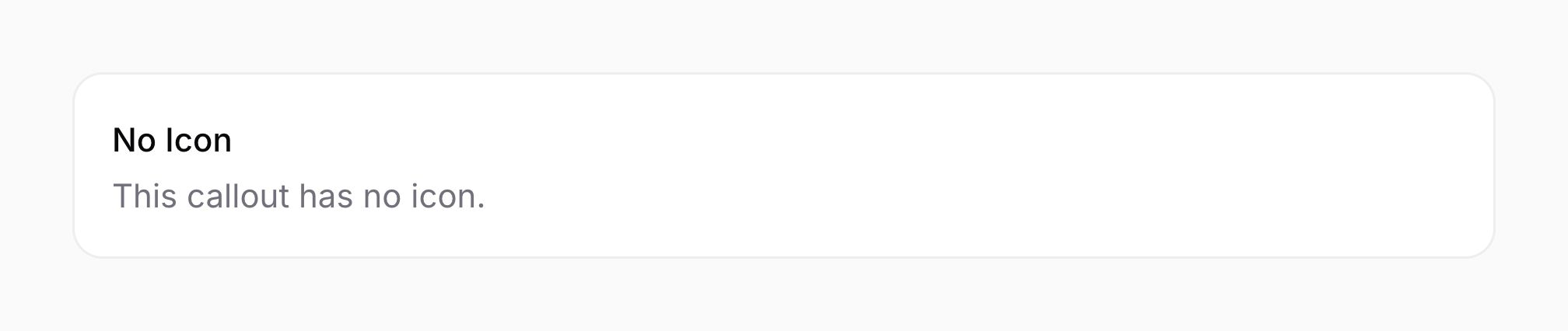
提示框可以在不需要时渲染为不带图标的形式:
<x-filament::callout>
    <x-slot name="heading">
        No Icon
    </x-slot>

    <x-slot name="description">
        This callout has no icon.
    </x-slot>
</x-filament::callout>
仅有标题的提示框
提示框可以仅使用标题,不带描述:
<x-filament::callout
    icon="heroicon-o-information-circle"
    color="info"
>
    <x-slot name="heading">
        Simple Notice
    </x-slot>
</x-filament::callout>
