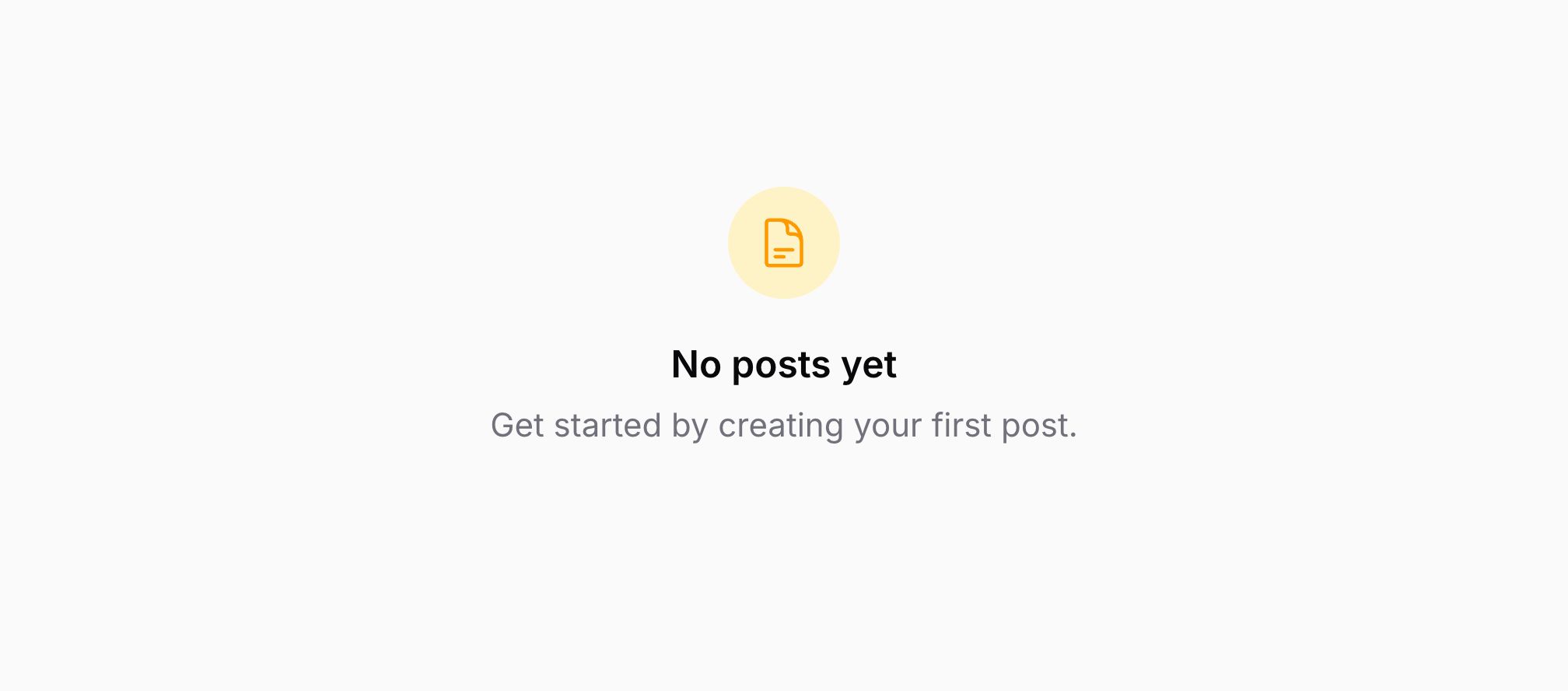
Empty State Blade 组件
简介
Empty State 可用于告知用户暂无内容可显示,并引导用户进行下一步操作。标题是必填项:
<x-filament::empty-state>
    <x-slot name="heading">
        No users yet
    </x-slot>
</x-filament::empty-state>
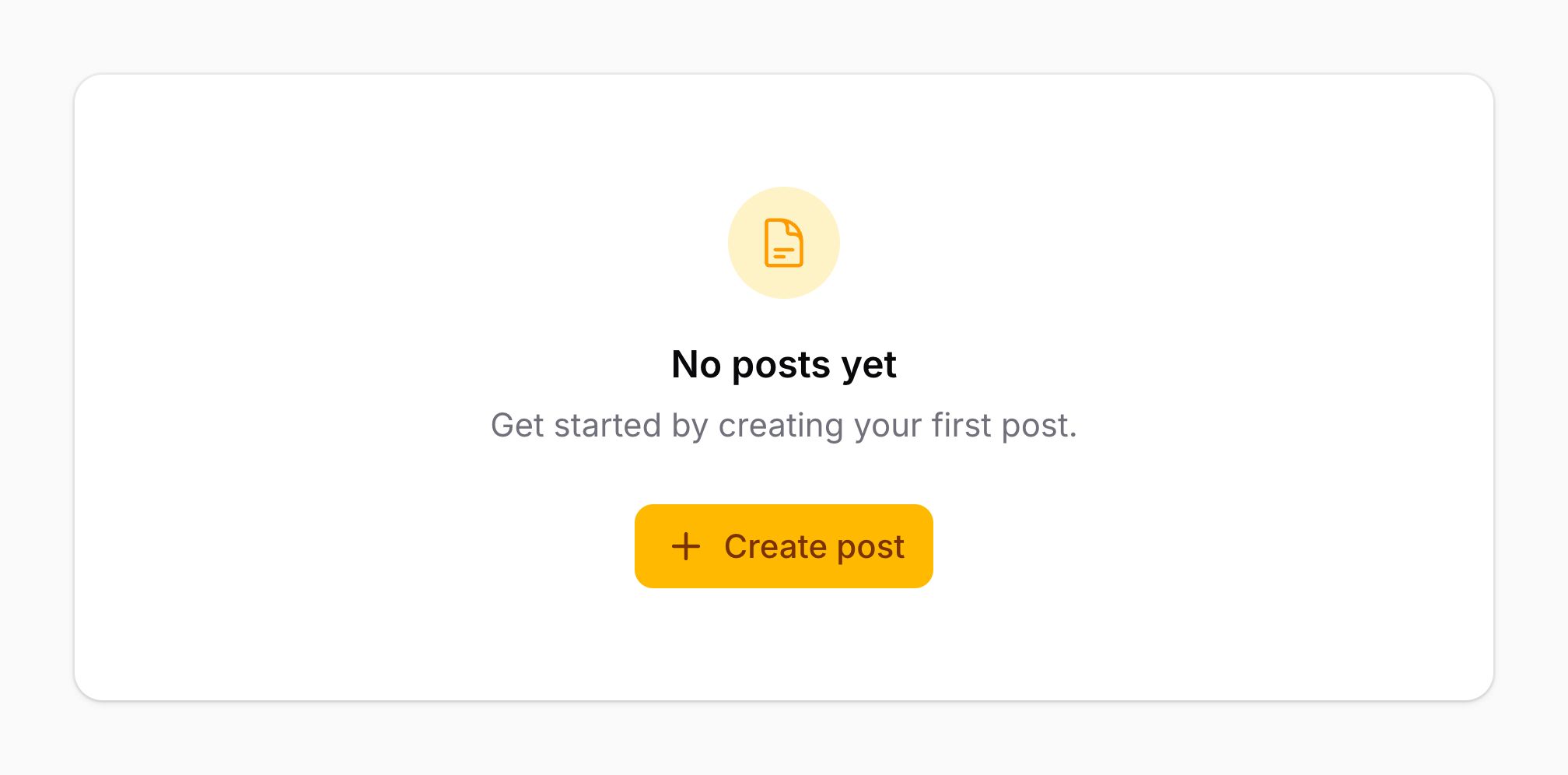
为空状态添加描述
你可以使用 description 插槽在标题下方为空状态添加描述:
<x-filament::empty-state>
    <x-slot name="heading">
        No users yet
    </x-slot>

    <x-slot name="description">
        Get started by creating a new user.
    </x-slot>
</x-filament::empty-state>
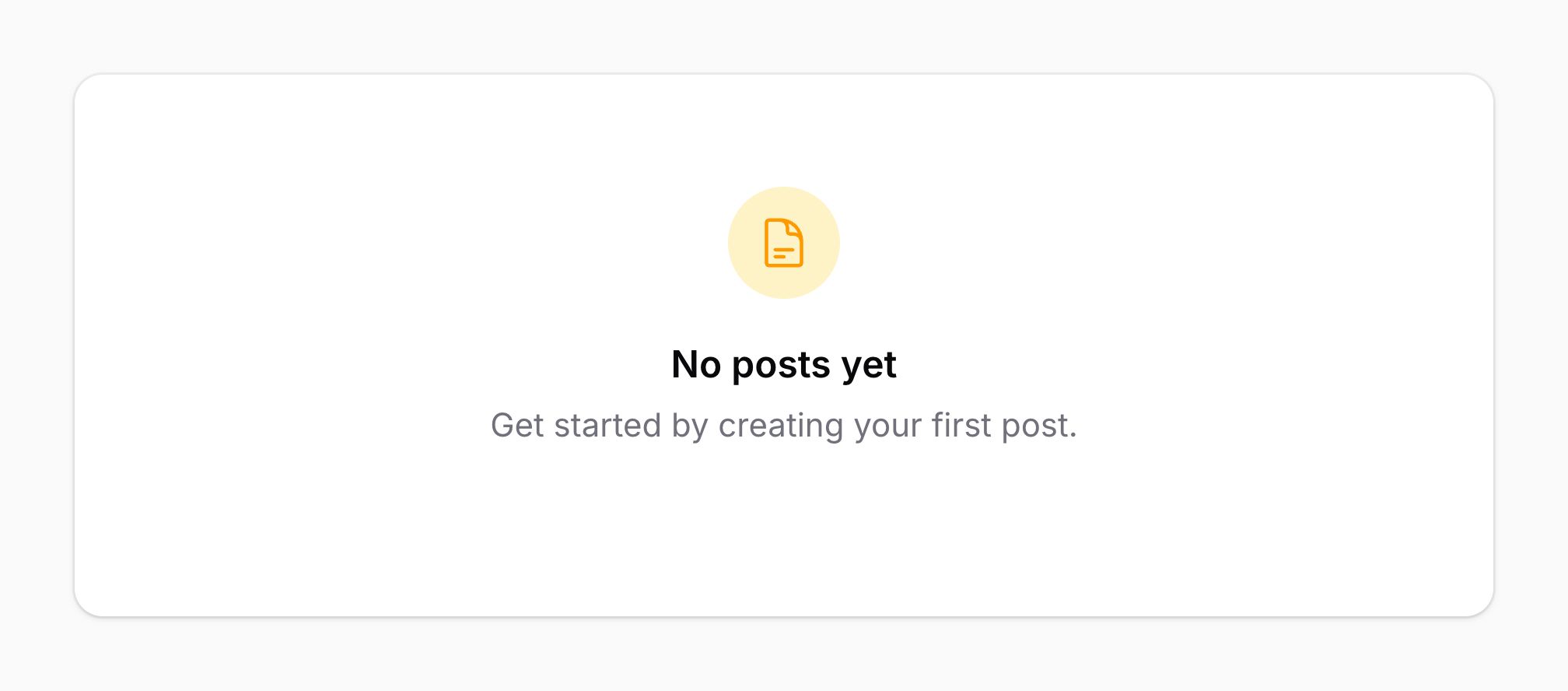
为空状态添加图标
你可以使用 icon 属性为空状态添加图标:
<x-filament::empty-state
    icon="heroicon-o-user"
>
    <x-slot name="heading">
        No users yet
    </x-slot>
</x-filament::empty-state>
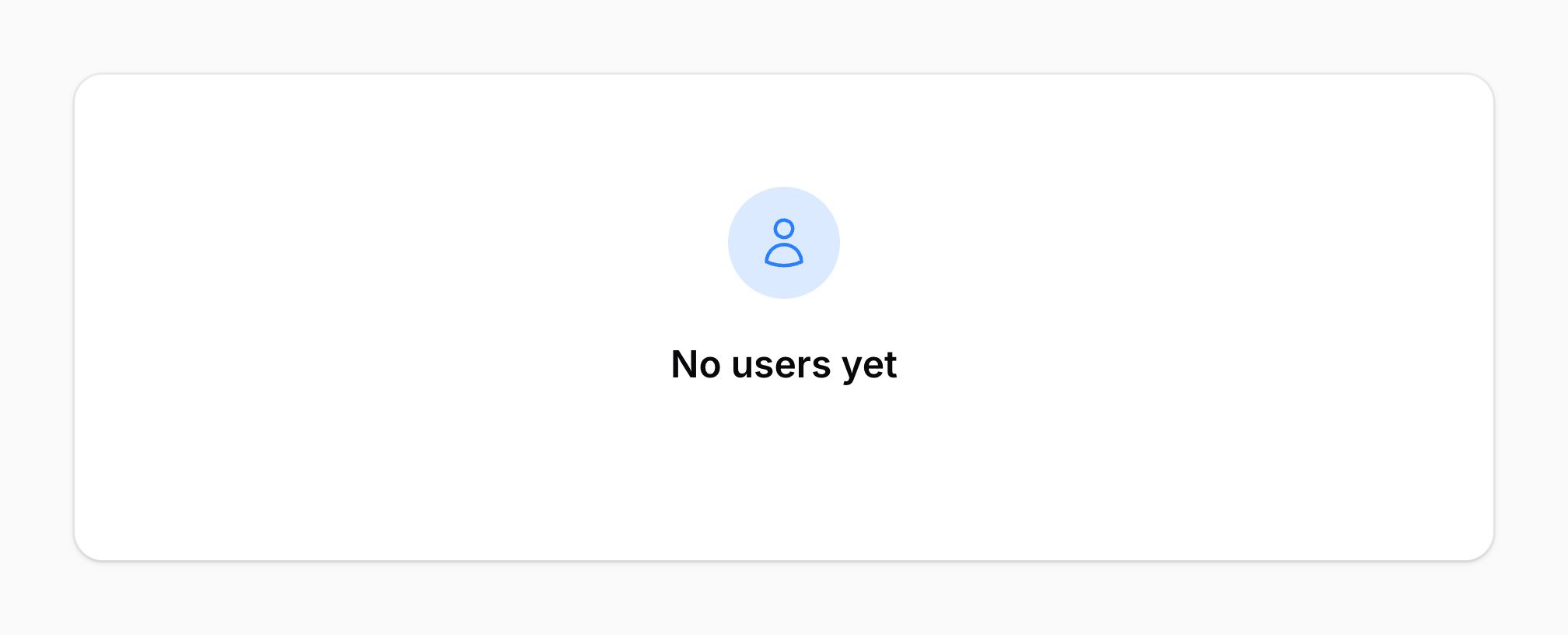
更改空状态图标的颜色
默认情况下,空状态图标的颜色为 primary。你可以使用 icon-color 属性将其更改为 gray、danger、info、success 或 warning:
<x-filament::empty-state
    icon="heroicon-o-user"
    icon-color="info"
>
    <x-slot name="heading">
        No users yet
    </x-slot>
</x-filament::empty-state>
更改空状态图标的大小
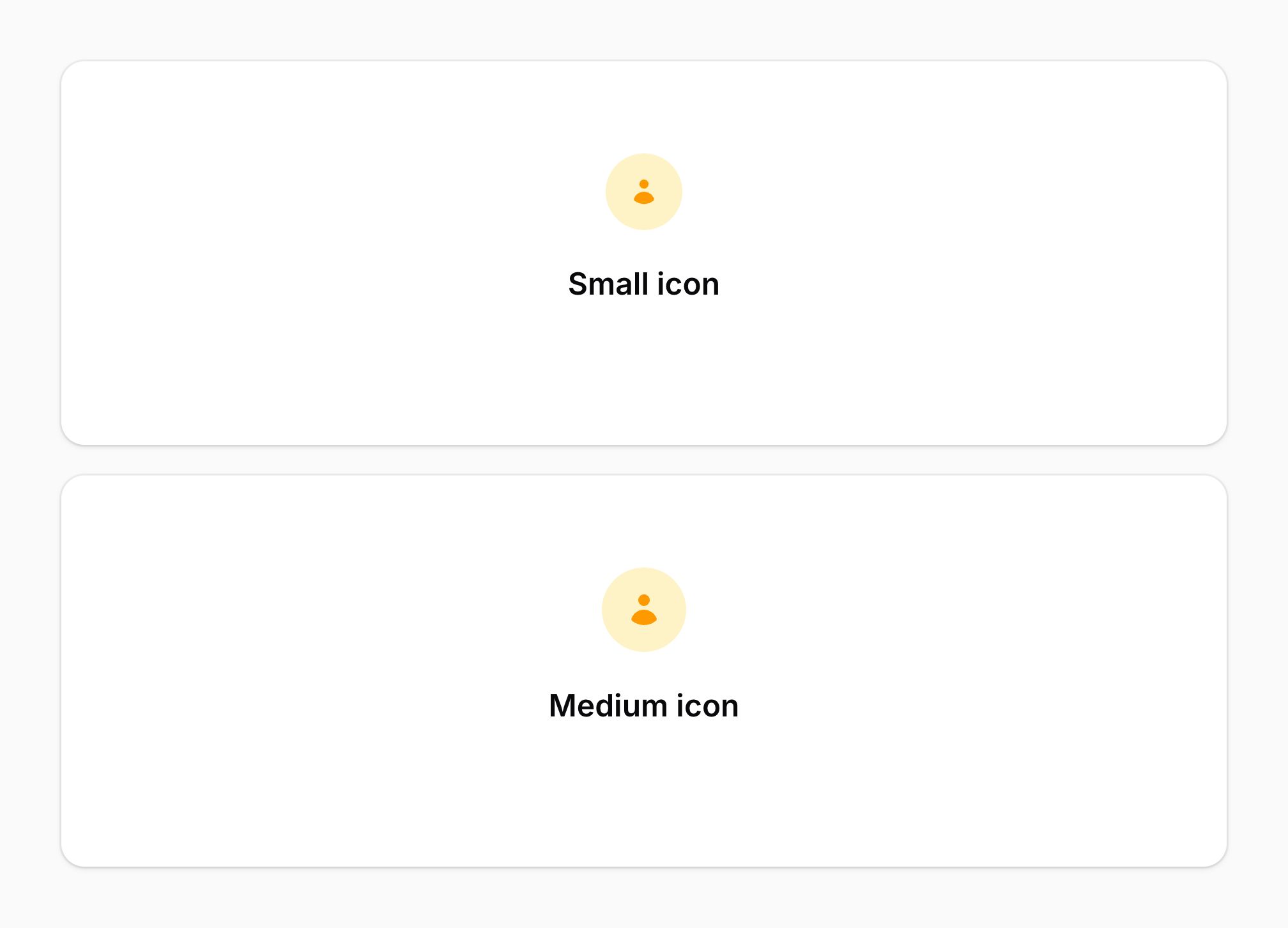
默认情况下,空状态图标的大小为"大"。你可以使用 icon-size 属性将其更改为"小"或"中":
<x-filament::empty-state
    icon="heroicon-m-user"
    icon-size="sm"
>
    <x-slot name="heading">
        No users yet
    </x-slot>
</x-filament::empty-state>

<x-filament::empty-state
    icon="heroicon-m-user"
    icon-size="md"
>
    <x-slot name="heading">
        No users yet
    </x-slot>
</x-filament::empty-state>
为空状态添加页脚操作
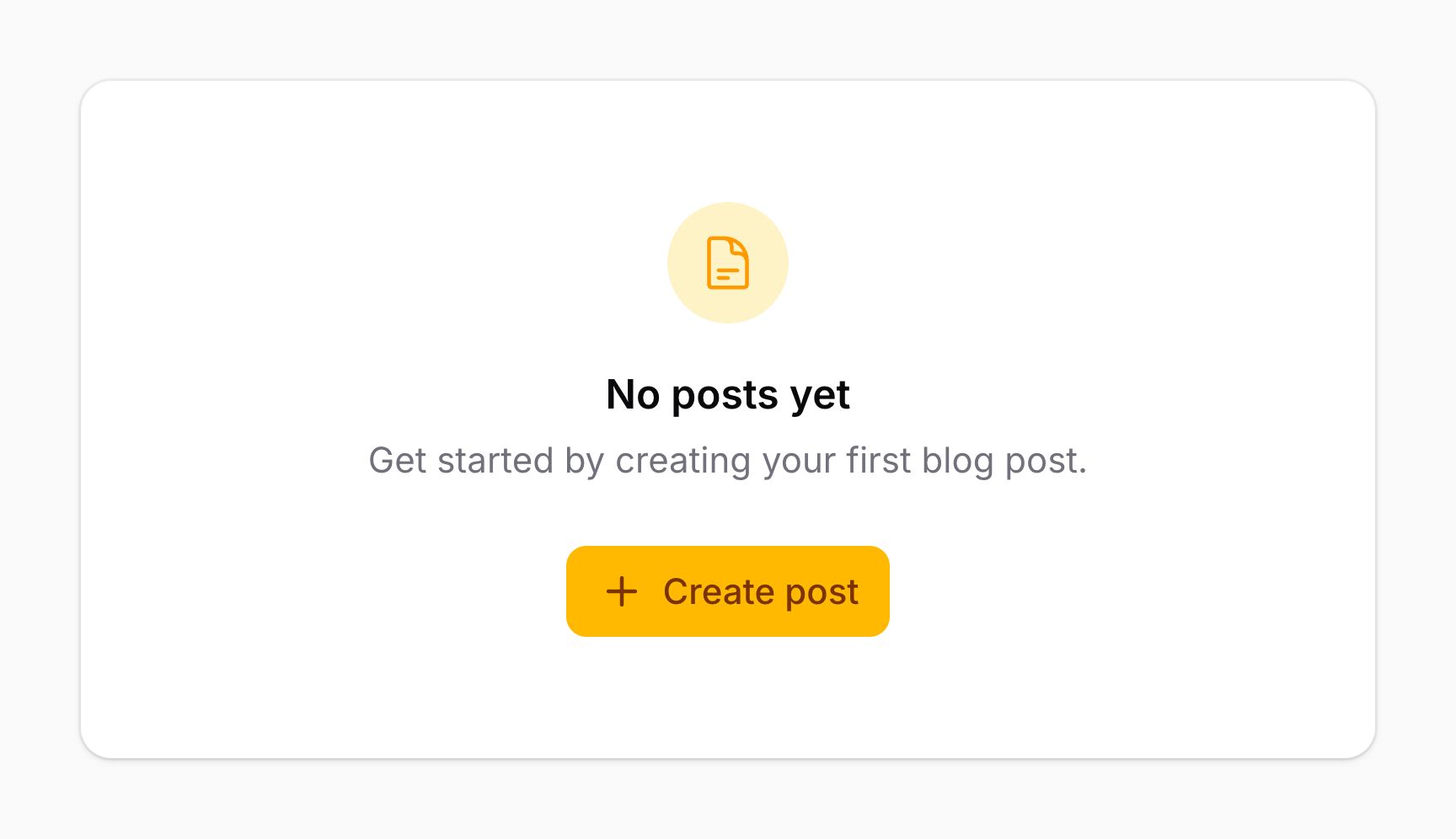
你可以使用 footer 插槽在描述下方添加操作。这对于放置按钮非常有用,例如 <x-filament::button> 组件:
<x-filament::empty-state>
    <x-slot name="heading">
        No users yet
    </x-slot>

    <x-slot name="footer">
        <x-filament::button icon="heroicon-m-plus">
            Create user
        </x-filament::button>
    </x-slot>
</x-filament::empty-state>
移除空状态容器
默认情况下,空状态有背景颜色、阴影和边框。你可以使用 :contained 属性移除这些样式,仅渲染空状态的内容而不包含容器:
<x-filament::empty-state :contained="false">
    <x-slot name="heading">
        No users yet
    </x-slot>
</x-filament::empty-state>