文本输入
简介
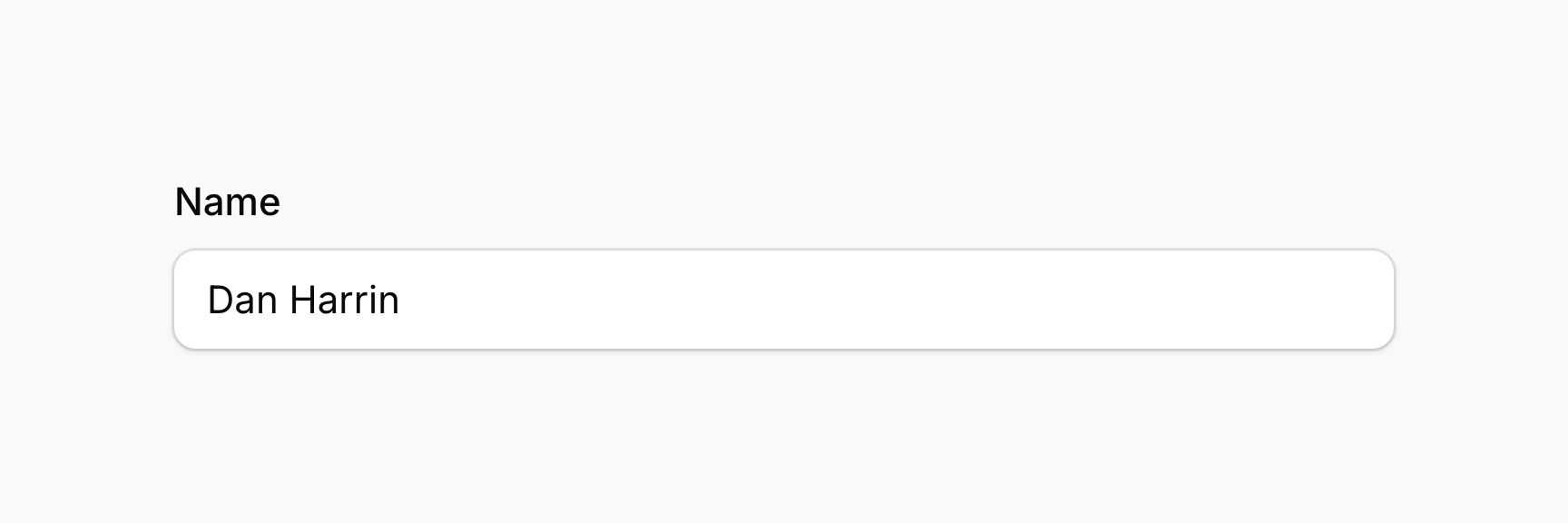
文本输入允许你与字符串进行交互:
use Filament\Forms\Components\TextInput;

TextInput::make('name')
设置 HTML 输入类型
你可以使用一组方法设置字符串类型。某些方法(如 email())还提供验证:
use Filament\Forms\Components\TextInput;

TextInput::make('text')
    ->email() // 或
    ->numeric() // 或
    ->integer() // 或
    ->password() // 或
    ->tel() // 或
    ->url()
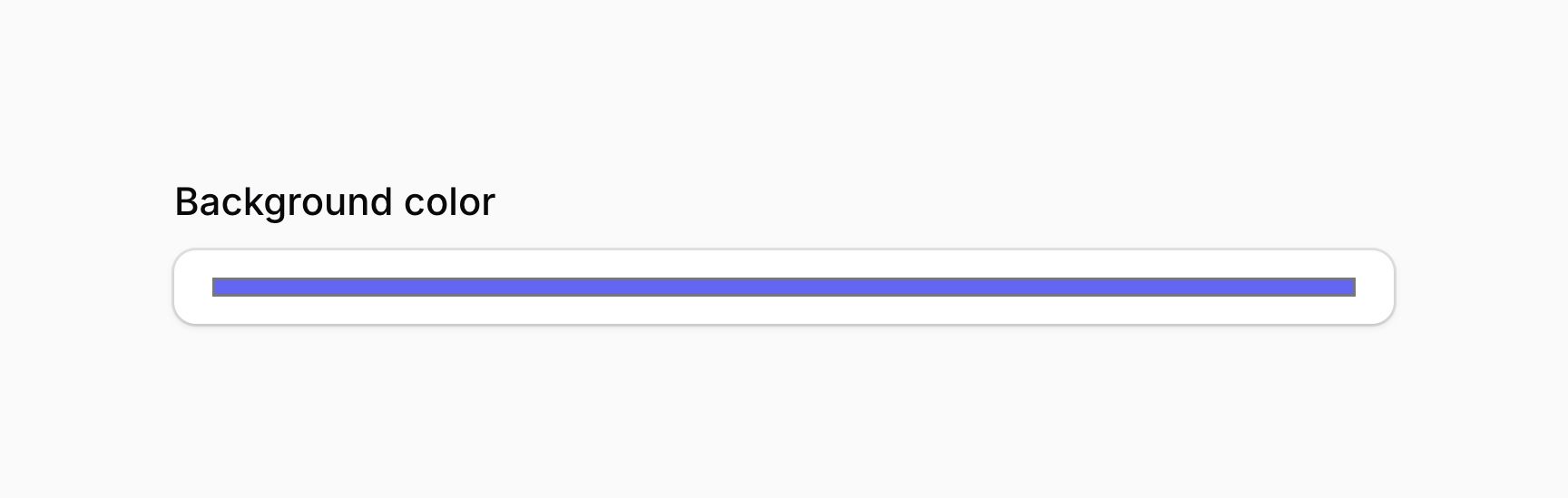
你也可以使用 type() 方法传递其他 HTML 输入类型:
use Filament\Forms\Components\TextInput;

TextInput::make('backgroundColor')
    ->type('color')
各个类型方法也允许你传递布尔值来控制字段是否应该使用该类型:
use Filament\Forms\Components\TextInput;

TextInput::make('text')
    ->email(FeatureFlag::active()) // 或
    ->numeric(FeatureFlag::active()) // 或
    ->integer(FeatureFlag::active()) // 或
    ->password(FeatureFlag::active()) // 或
    ->tel(FeatureFlag::active()) // 或
    ->url(FeatureFlag::active())
这些方法除了接受静态值外,还接受一个函数来动态计算。你可以将各种工具注入到函数参数中。
设置 HTML 输入模式
你可以使用 inputMode() 方法设置输入的 inputmode 属性:
use Filament\Forms\Components\TextInput;

TextInput::make('text')
    ->numeric()
    ->inputMode('decimal')
inputMode() 方法除了接受静态值外,还接受一个函数来动态计算。你可以将各种工具注入到函数参数中。
设置数字步长
你可以使用 step() 方法设置输入的 step 属性:
use Filament\Forms\Components\TextInput;

TextInput::make('number')
    ->numeric()
    ->step(100)
step() 方法除了接受静态值外,还接受一个函数来动态计算。你可以将各种工具注入到函数参数中。
自动完成文本
你可以使用 autocomplete() 方法允许文本被浏览器自动完成:
use Filament\Forms\Components\TextInput;

TextInput::make('password')
    ->password()
    ->autocomplete('new-password')
作为 autocomplete="off" 的快捷方式,你可以使用 autocomplete(false):
use Filament\Forms\Components\TextInput;

TextInput::make('password')
    ->password()
    ->autocomplete(false)
autocomplete() 方法除了接受静态值外,还接受一个函数来动态计算。你可以将各种工具注入到函数参数中。
对于更复杂的自动完成选项,文本输入还支持 datalist。
使用 datalist 自动完成文本
你可以使用 datalist() 方法为文本输入指定 datalist 选项:
TextInput::make('manufacturer')
    ->datalist([
        'BMW',
        'Ford',
        'Mercedes-Benz',
        'Porsche',
        'Toyota',
        'Volkswagen',
    ])
Datalist 在用户使用文本输入时提供自动完成选项。然而,这些纯粹是建议,用户仍然可以在输入中键入任何值。如果你希望严格限制用户使用预定义选项集,请查看选择器字段。
datalist() 方法除了接受静态值外,还接受一个函数来动态计算。你可以将各种工具注入到函数参数中。
自动大写文本
你可以使用 autocapitalize() 方法允许文本被浏览器自动大写:
use Filament\Forms\Components\TextInput;

TextInput::make('name')
    ->autocapitalize('words')
autocapitalize() 方法除了接受静态值外,还接受一个函数来动态计算。你可以将各种工具注入到函数参数中。
在字段旁添加前后缀文本
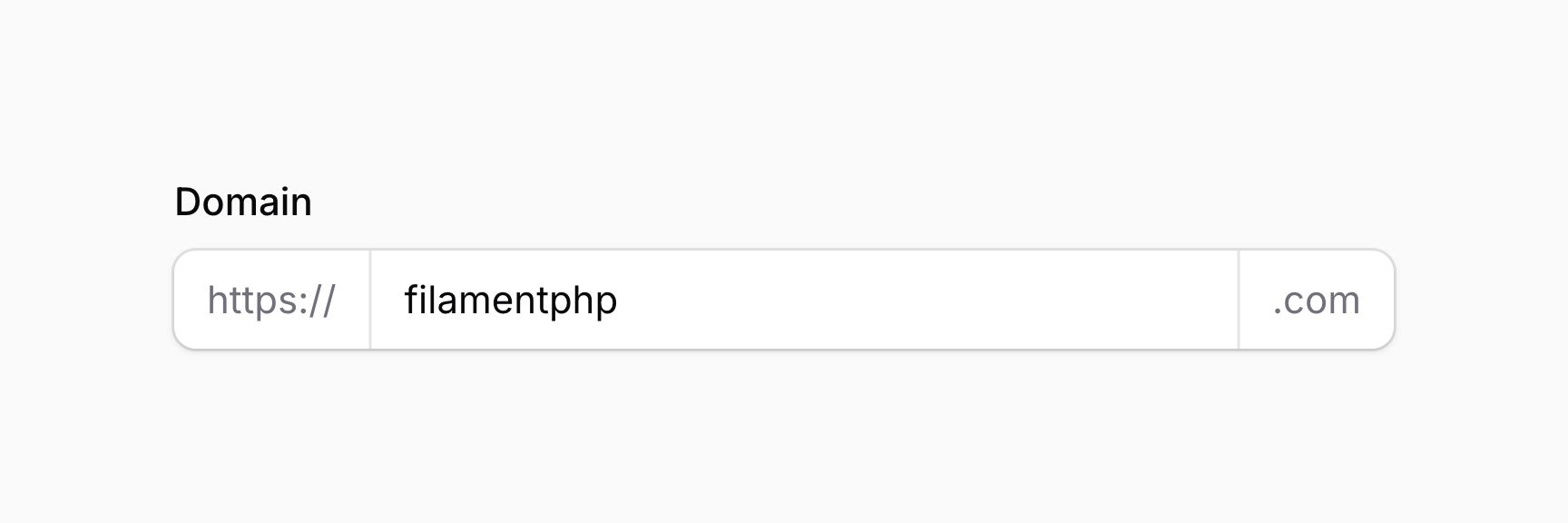
你可以使用 prefix() 和 suffix() 方法在输入前后放置文本:
use Filament\Forms\Components\TextInput;

TextInput::make('domain')
    ->prefix('https://')
    ->suffix('.com')
prefix() 和 suffix() 方法除了接受静态值外,还接受函数来动态计算。你可以将各种工具注入到函数参数中。
使用图标作为前后缀
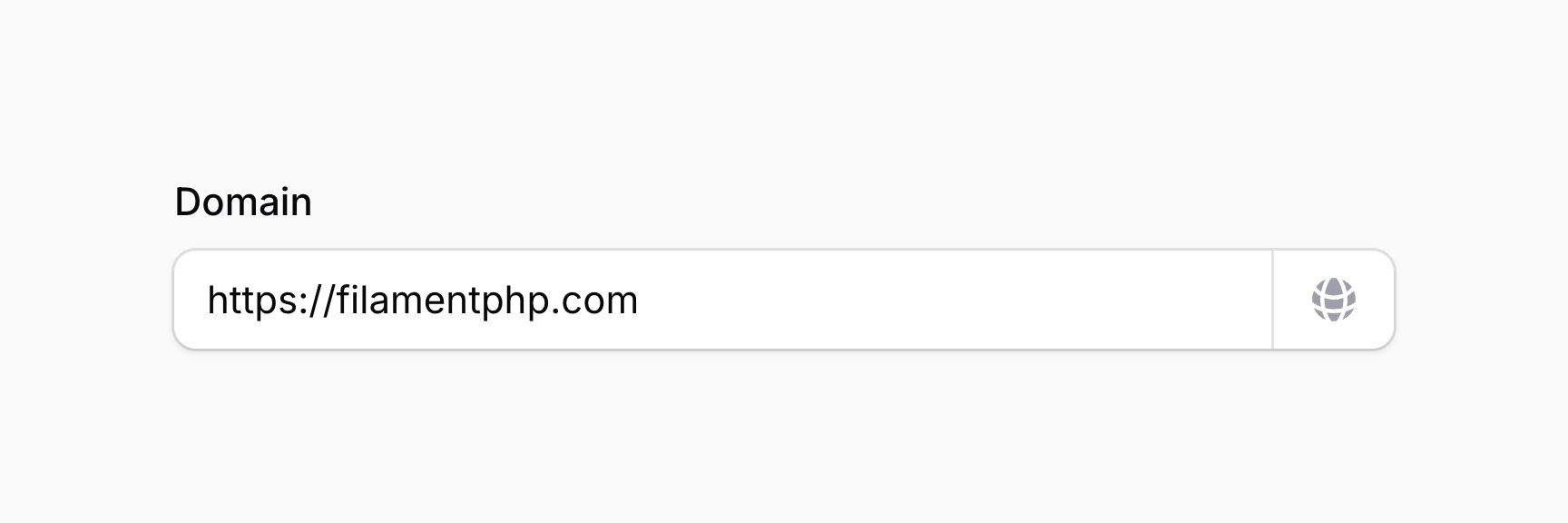
你可以使用 prefixIcon() 和 suffixIcon() 方法在输入前后放置图标:
use Filament\Forms\Components\TextInput;
use Filament\Support\Icons\Heroicon;

TextInput::make('domain')
    ->url()
    ->suffixIcon(Heroicon::GlobeAlt)
prefixIcon() 和 suffixIcon() 方法除了接受静态值外,还接受函数来动态计算。你可以将各种工具注入到函数参数中。
设置前后缀图标颜色
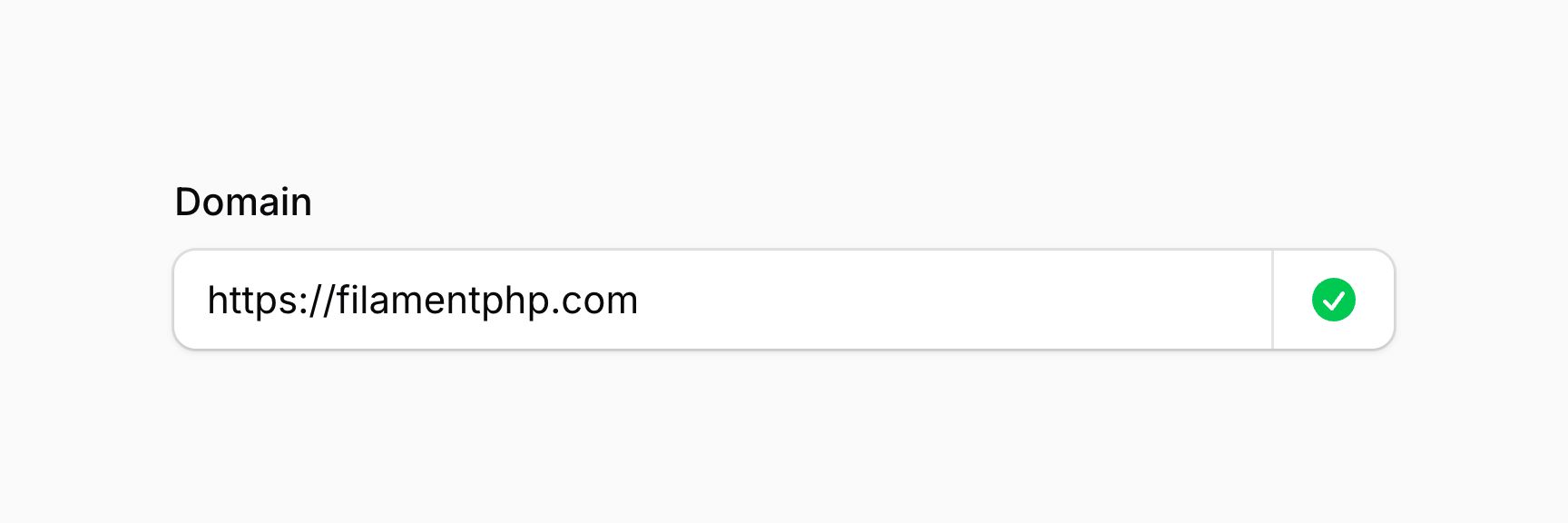
前后缀图标默认为灰色,但你可以使用 prefixIconColor() 和 suffixIconColor() 方法设置不同的颜色:
use Filament\Forms\Components\TextInput;
use Filament\Support\Icons\Heroicon;

TextInput::make('domain')
    ->url()
    ->suffixIcon(Heroicon::CheckCircle)
    ->suffixIconColor('success')
prefixIconColor() 和 suffixIconColor() 方法除了接受静态值外,还接受函数来动态计算。你可以将各种工具注入到函数参数中。
使用操作作为前后缀
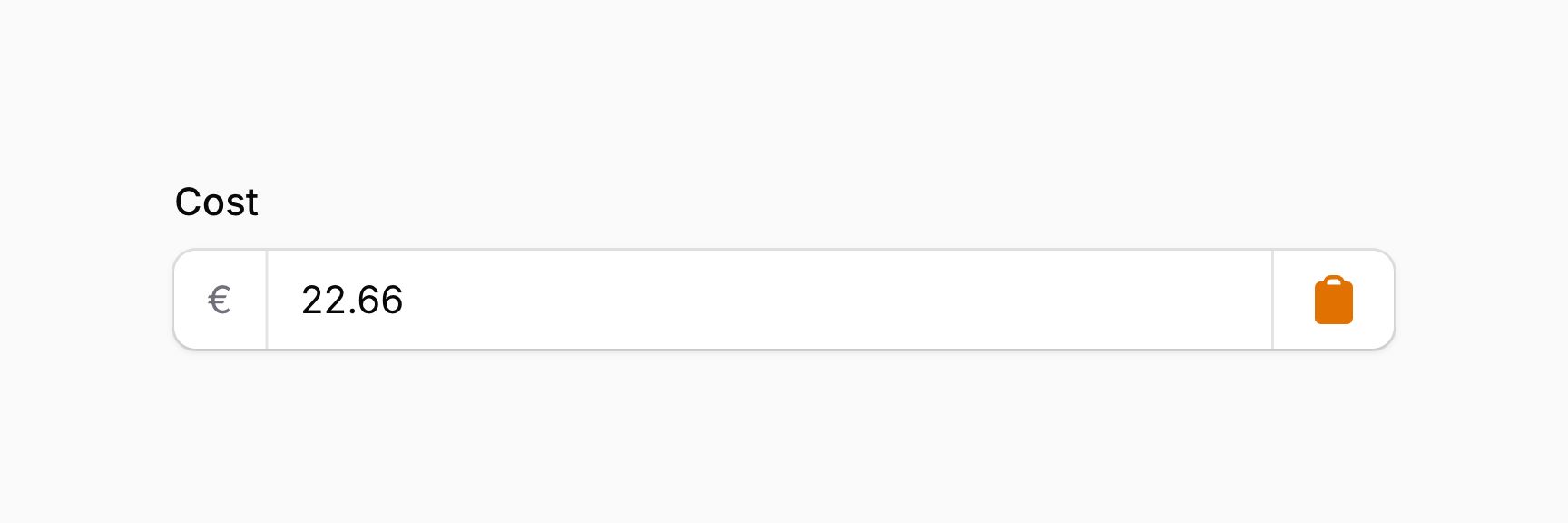
你可以使用 prefixAction() 和 suffixAction() 方法在输入前后放置操作:
use Filament\Actions\Action;
use Filament\Forms\Components\TextInput;
use Filament\Support\Icons\Heroicon;

TextInput::make('cost')
    ->prefix('€')
    ->suffixAction(
        Action::make('copyCostToPrice')
            ->icon(Heroicon::Clipboard),
    )
可显示的密码输入
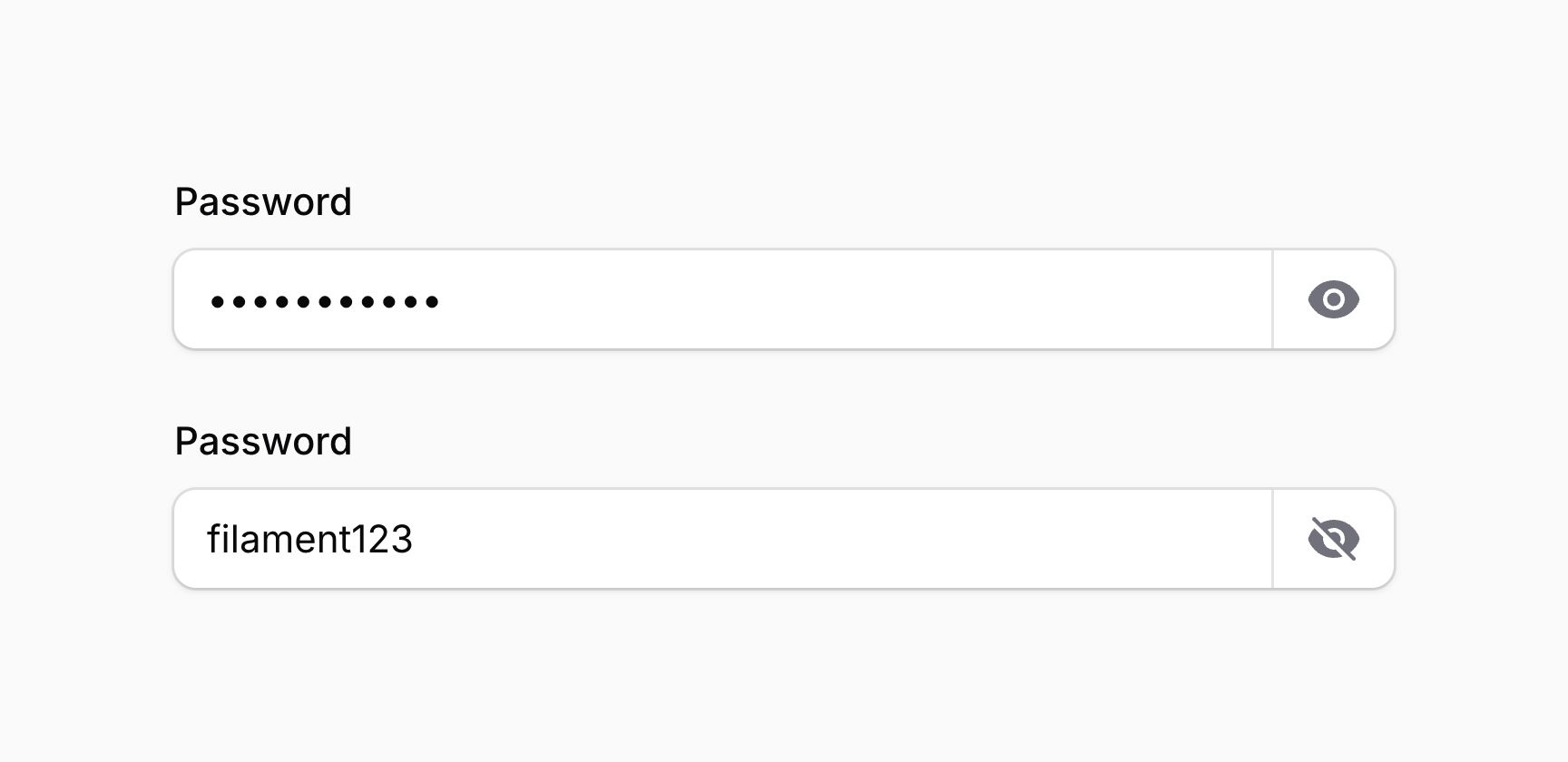
使用 password() 时,你还可以使输入可显示(revealable()),这样用户可以通过点击按钮看到他们正在输入的密码的明文版本:
use Filament\Forms\Components\TextInput;

TextInput::make('password')
    ->password()
    ->revealable()
你也可以传递一个布尔值来控制输入是否应该可显示:
use Filament\Forms\Components\TextInput;

TextInput::make('password')
    ->password()
    ->revealable(FeatureFlag::active())
revealable() 方法除了接受静态值外,还接受一个函数来动态计算。你可以将各种工具注入到函数参数中。
允许文本复制到剪贴板
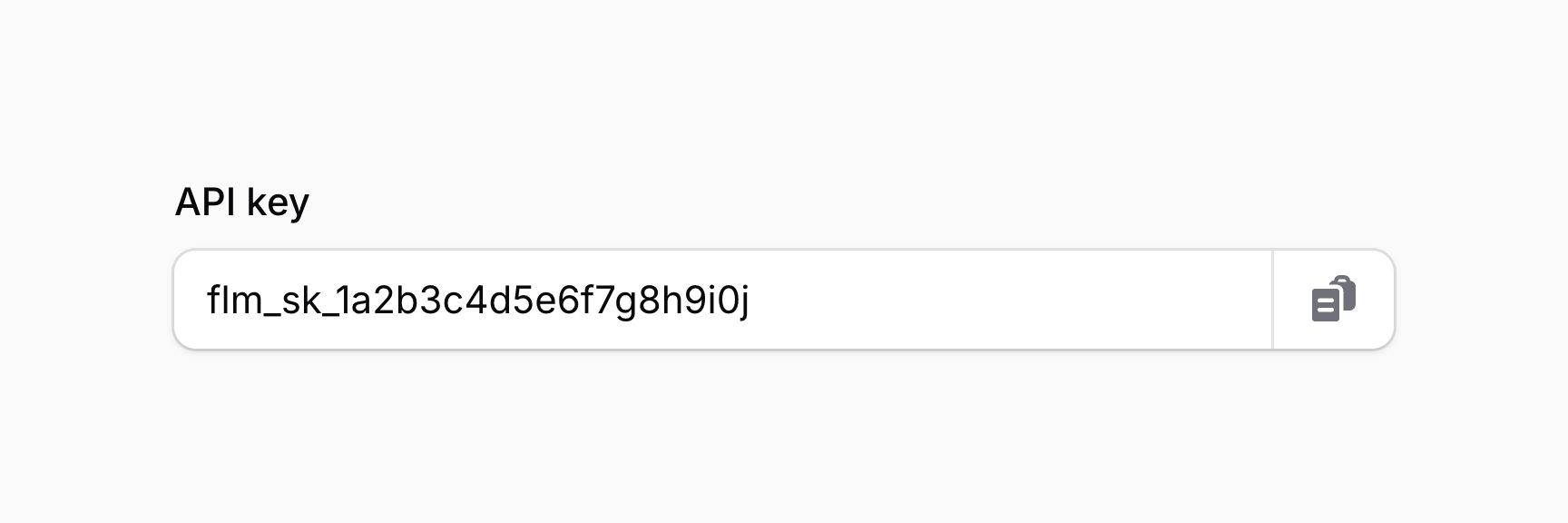
你可以使文本可复制,这样点击输入旁边的按钮会将文本复制到剪贴板,并可选地指定自定义确认消息和持续时间(毫秒):
use Filament\Forms\Components\TextInput;

TextInput::make('apiKey')
    ->label('API key')
    ->copyable(copyMessage: 'Copied!', copyMessageDuration: 1500)
你也可以传递一个布尔值来控制文本是否应该可复制:
use Filament\Forms\Components\TextInput;

TextInput::make('apiKey')
    ->label('API key')
    ->copyable(FeatureFlag::active())
copyable() 方法的参数除了接受静态值外,还接受函数来动态计算。你可以将各种工具注入到函数参数中。
此功能仅在应用启用 SSL 时有效。
输入掩码
输入掩码是定义输入值必须符合的格式的实践。
在 Filament 中,你可以使用 mask() 方法配置 Alpine.js 掩码:
use Filament\Forms\Components\TextInput;

TextInput::make('birthday')
    ->mask('99/99/9999')
    ->placeholder('MM/DD/YYYY')
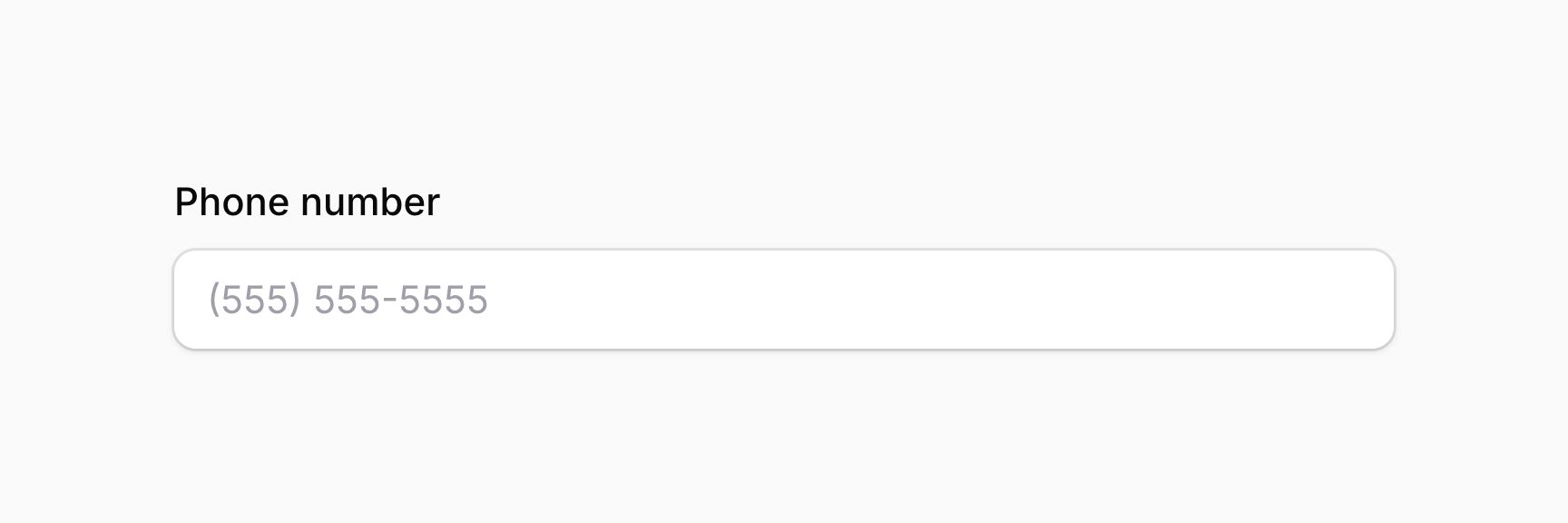
要使用动态掩码,将 JavaScript 包装在 RawJs 对象中:
use Filament\Forms\Components\TextInput;
use Filament\Support\RawJs;

TextInput::make('cardNumber')
    ->mask(RawJs::make(<<<'JS'
        $input.startsWith('34') || $input.startsWith('37') ? '9999 999999 99999' : '9999 9999 9999 9999'
    JS))
mask() 方法除了接受静态值外,还接受一个函数来动态计算。你可以将各种工具注入到函数参数中。
Alpine.js 会将整个掩码值发送到服务器,因此在验证字段和保存之前,你可能需要从状态中去除某些字符。你可以使用 stripCharacters() 方法,传入要从掩码值中删除的字符或字符数组:
use Filament\Forms\Components\TextInput;
use Filament\Support\RawJs;

TextInput::make('amount')
    ->mask(RawJs::make('$money($input)'))
    ->stripCharacters(',')
    ->numeric()
stripCharacters() 方法除了接受静态值外,还接受一个函数来动态计算。你可以将各种工具注入到函数参数中。
修剪空白字符
你可以使用 trim() 方法自动修剪输入值开头和结尾的空白字符:
use Filament\Forms\Components\TextInput;

TextInput::make('name')
    ->trim()
你可能希望为所有文本输入全局启用修剪,类似于 Laravel 的 TrimStrings 中间件。你可以在服务提供者中使用 configureUsing() 方法:
use Filament\Forms\Components\TextInput;

TextInput::configureUsing(function (TextInput $component): void {
    $component->trim();
});
将字段设为只读
不要与禁用字段混淆,你可以使用 readOnly() 方法将字段设为"只读":
use Filament\Forms\Components\TextInput;

TextInput::make('name')
    ->readOnly()
与 disabled() 相比有几个区别:
- 使用
readOnly()时,字段在表单提交时仍会发送到服务器。它可以通过浏览器控制台或 JavaScript 进行修改。你可以使用saved(false)来防止这种情况。 - 使用
readOnly()时没有样式变化,如降低不透明度。 - 使用
readOnly()时字段仍然可以获得焦点。
你也可以传递一个布尔值来控制字段是否应该只读:
use Filament\Forms\Components\TextInput;

TextInput::make('name')
    ->readOnly(FeatureFlag::active())
readOnly() 方法除了接受静态值外,还接受一个函数来动态计算。你可以将各种工具注入到函数参数中。
文本输入验证
除了验证页面上列出的所有规则外,还有一些特定于文本输入的额外规则。
长度验证
你可以通过设置 minLength() 和 maxLength() 方法来限制输入的长度。这些方法同时添加前端和后端验证:
use Filament\Forms\Components\TextInput;

TextInput::make('name')
    ->minLength(2)
    ->maxLength(255)
你也可以通过设置 length() 来指定输入的确切长度。此方法同时添加前端和后端验证:
use Filament\Forms\Components\TextInput;

TextInput::make('code')
    ->length(8)
minLength()、maxLength() 和 length() 方法除了接受静态值外,还接受函数来动态计算。你可以将各种工具注入到函数参数中。
大小验证
你可以通过设置 minValue() 和 maxValue() 方法来验证数字输入的最小值和最大值:
use Filament\Forms\Components\TextInput;

TextInput::make('number')
    ->numeric()
    ->minValue(1)
    ->maxValue(100)
minValue() 和 maxValue() 方法除了接受静态值外,还接受函数来动态计算。你可以将各种工具注入到函数参数中。
电话号码验证
使用 tel() 字段时,值将使用以下正则表达式验证:/^[+]*[(]{0,1}[0-9]{1,4}[)]{0,1}[-\s\.\/0-9]*$/。
如果你希望更改它,可以使用 telRegex() 方法:
use Filament\Forms\Components\TextInput;

TextInput::make('phone')
    ->tel()
    ->telRegex('/^[+]*[(]{0,1}[0-9]{1,4}[)]{0,1}[-\s\.\/0-9]*$/')
或者,要在所有字段中自定义 telRegex(),使用服务提供者:
use Filament\Forms\Components\TextInput;

TextInput::configureUsing(function (TextInput $component): void {
    $component->telRegex('/^[+]*[(]{0,1}[0-9]{1,4}[)]{0,1}[-\s\.\/0-9]*$/');
});
telRegex() 方法除了接受静态值外,还接受一个函数来动态计算。你可以将各种工具注入到函数参数中。